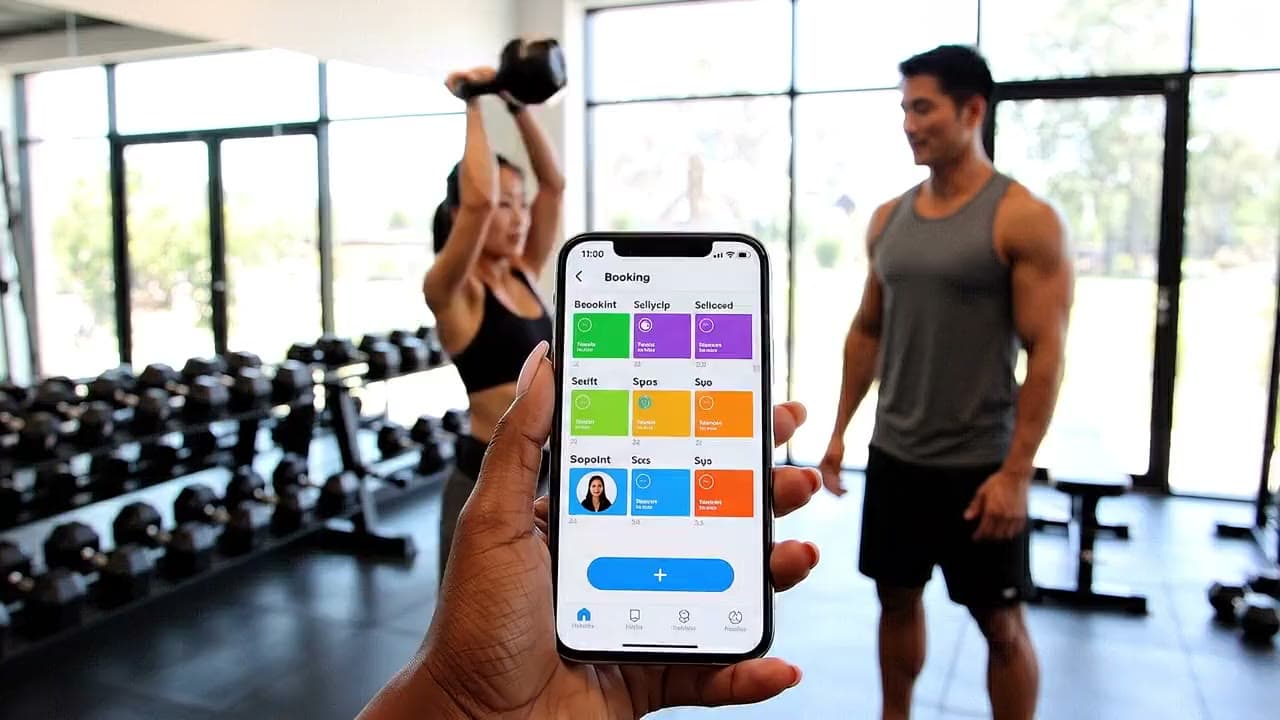
Classes, trainers and members in one calendar
Gyms publish classes and personal training, sell passes, and keep members coming back.
Bookings.
Built for
Independent gyms, training studios, hotel and office gyms
What gets in the way
Class bookings, trainer calendars and the member list live in three different tools.
What changes
- Class timetable with capacity and a waitlist
- Personal training booked straight into trainers' calendars
- Passes and memberships for regular members
Example services
- Group class
- Personal training
- Induction
- 10-visit pass
How it works
Set it up once. Run it every day.
You configure the page. Customers book against it. Both fixed slots and custom jobs land in the same day view.
Publish what you sell
Services, duration, price, hours, staff. Your provider page goes live and customers book only the slots you opened, nothing before you say so.
Quote the custom jobs
Work you can't price blind arrives as a request with the details attached. Send a real offer, price, duration, first opening, and it converts to a booking on accept.
Run the day
Open to today first, new requests, the schedule as it stands, blocks and gaps. Everything else waits until it's asked for.
What's built in
Not a generic calendar with a booking button bolted on.
Nola is built for service schedules from the ground up — these come standard, not as add-ons you have to piece together.
One grid, every resource
Studios, rooms, and trainers sit side by side on the same day view, so double-bookings and empty gaps are obvious at a glance.
Prepaid wallets
Customers top up a balance and spend it on bookings, fewer no-shows to chase, faster checkout at the front desk.
Access & lights that follow the booking
Doors unlock for the booked class hour and nobody else's, tied to the schedule, not a shared code passed around.
Track who's actually playing
See every participant on a booking, not just the name that paid — useful for classes and group sessions.
Estonian, English, Russian
Your booking page and customer messages speak your customers' language out of the box, no translation add-on required.
Built in. No module needed.
The pages every provider gets from day one. Pick what your day needs; the rest waits in the menu.
- Booking
- Quotes & offers
- Today view
- Services & hours
- Staff
Modules you switch on.
Go live with booking and quotes. Every module is one switch in Settings, billed monthly, and can be turned off again. CRM and team access are included on paid plans.
CRM clients
Customer records with contact details, family links, consent and booking history.
Multi-resource
Assign studios, trainers and equipment to one booking, so a class reserves the room and the instructor together.
Waitlist
Automatic offers when a slot frees up: the next person in the queue gets it without a phone call.
Online payments
Collect payment at booking time. Cash, card terminal, invoice and virtual wallet stay available at the desk.
Dynamic pricing
Peak and off-peak rules by time, day and resource, applied when the price is quoted.
Memberships & passes
Monthly plans, multi-visit passes and loyalty reporting for regulars.
Email campaigns
Broadcast news and offers to clients who opted in.
Team access
Invite staff who manage bookings and availability, with roles for reception, trainers and accounting.
AI Copilot
A side panel that answers questions about bookings, setup and where things are in the dashboard.
Community
A branded space for your members: announcements, open classes, members-only rooms and group chats.
Pricing
Start free on your first schedule. Add unlimited schedules on Growth, stack modules on Pro, or talk to us for multi-location Custom.
More trades on Nola
An afternoon. Sign up, publish a few services with duration and price, set your hours, and the page is live. Bookings open only against the slots you configured, so nothing arrives before you're ready for it.
A booking is a fixed service against an open slot. A quote is for work you can't price blind, the customer sends a request with details, you reply with a real offer (price, duration, first opening), and it becomes a booking when they accept.
Yes for bookings, quotes and messages. Every action carries a name, so nothing important reaches your day anonymously and nothing important gets lost.
Yes. Start by publishing services and hours in Nola, then block what isn't bookable. We can walk you through bringing an existing calendar across when you're ready.
You go live with booking and quotes. Payments, staff and the rest switch on as modules when you ask for them, not an enterprise rollout before you need it. See Pricing for the current plan.